Neither copper nor fibre has a fixed speed. The data rate of a link is set by the ports and modules at each end, and the distance it can cover is set by the reach of the specific cable assembly or optic. At 100 Gigabit Ethernet, Cisco lists a passive copper cable that is 3 m long and optical modules rated for 70 m, 100 m or 500 m depending on the fibre. For a network engineer the useful question is which option at the required rate covers the actual route, and what has to be checked before it goes in.
Key takeaways
- The medium does not decide the data rate. Cisco’s 100 Gigabit Ethernet range includes a passive copper cable, a multimode fibre module and a single-mode fibre module, all at the same rate.
- Among those named products, reach is what differs: 3 m for the copper cable, 70 m on OM3 or 100 m on OM4 for the SR4 module, and 500 m on single-mode fibre for the DR module.
- A listed reach is a product rating. A patched channel still needs its insertion loss, polarity and platform support checked.
- The optical path in fibre is immune to electrical noise, while the transceivers at each end are electronic and can still be affected by it.
- Disconnected fibres and connectors can emit invisible laser radiation. Never look into them, and follow the equipment manufacturer’s procedures.
Speed and reach
A 100 Gigabit Ethernet port runs at 100 Gb/s whether it is fitted with a copper cable or an optical module. Changing the medium does not turn it into a faster port. What changes between options is how far the signal can go at that rate, which connectors and cabling it needs, and how it is handled and installed. Application throughput and end-to-end response time depend on the rest of the system as well, so a medium comparison on its own says nothing about them.
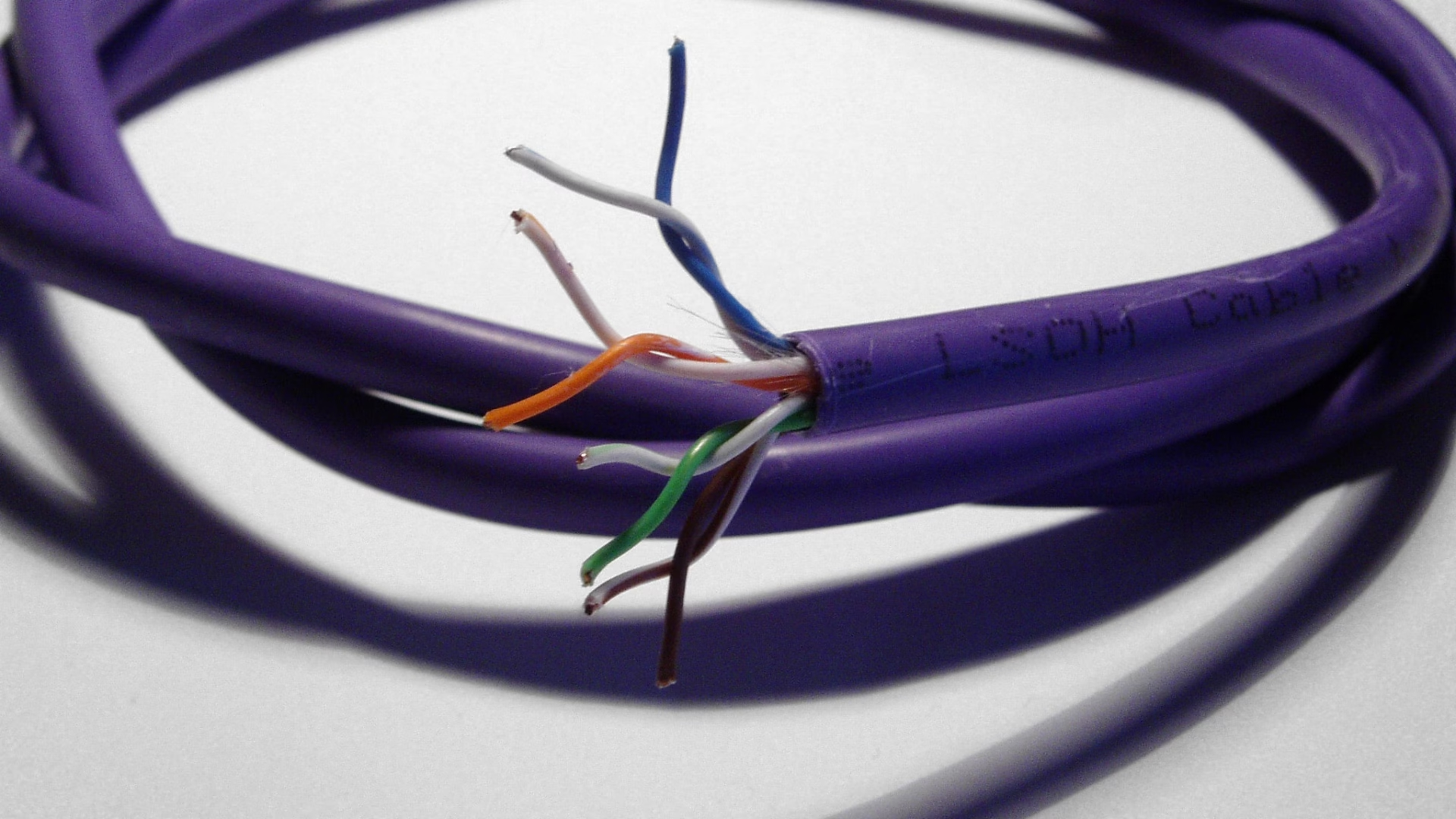
The short copper links used between switches and servers in the same rack are usually direct-attach cables (DAC): a cable with the plug-in modules fixed to each end, sold as one assembly. They are a different product from structured twisted-pair cabling. For comparison, CommScope gives Cat 6 a bandwidth of 250 MHz and Cat 6A 500 MHz, with Cat 6A supporting 10GBASE-T up to 100 m. Those figures describe cable frequency ranges and one Ethernet application; they are not a data rate for copper in general.
The same care applies to fibre specifications. Multimode fibre bandwidth is quoted as a bandwidth-distance product in MHz·km, as in the cabling table of the Cisco data sheet. It depends on the fibre grade and wavelength, and it does not translate directly into Ethernet bits per second. Reach for a given rate comes from the optic’s own rating.
If you arrived here asking about home broadband speed, that depends on the line technology and service of your access network, which is a separate question from the cable used inside a data-centre rack.
Three 100G options at the same speed
| Product | Data rate | Published length or reach | Medium and connection |
|---|---|---|---|
| Cisco QSFP-100G-CU3M | 100GbE | 3 m fixed assembly | Passive copper DAC, QSFP to QSFP |
| Cisco QSFP-100G-SR4-S | 100GbE | 70 m on OM3, 100 m on OM4 | Multimode fibre, MPO-12 |
| Cisco QSFP-100G-DR-S | 100GbE | 500 m on G.652 single-mode | Single-mode fibre, duplex LC |
All three run at the same rate. The copper cable is a complete link in itself. Each optical option needs a module at each end plus the right fibre and connectors between them: a 12-fibre MPO connection on multimode for SR4, or a duplex LC pair on single-mode for DR.
Worked choice: 3 m in the rack or 80 m across the hall
Take a 100GbE connection between two devices in the same rack, 3 m apart. The QSFP-100G-CU3M already supplies the requested rate over that length. An optical module would not make the port faster; it would only add modules and fibre to the link.
Now take an 80 m total channel between rows. The 3 m DAC cannot serve that route. The SR4 module’s 100 m rating on OM4 covers the distance, while its 70 m rating on OM3 does not, so the fibre grade already installed decides whether SR4 is an option. This is a reach decision. It does not show that the optical link will give faster application response.
Before committing, confirm the channel’s insertion loss against the optic’s limits, check polarity through every patch panel, and confirm that both platforms support the module and its forward error correction (FEC) settings. A listed reach is not a guarantee for every patched channel. A cross-connect loss budget shows how connector pairs can use up the allowance before distance does.
How far the glass lets a link go
Reach on a datasheet is a power budget in disguise. A transmitter launches at least so many dBm, the receiver needs at least so many, and every kilometre of fibre and every connector pair spends part of the difference. For the Cisco 10GBASE-LR module that difference is 6.2 dB, and the ITU-T G.652.D fibre standard allows a cabled fibre up to 0.4 dB/km at 1310 nm (ITU-T G.652, November 2016, Table 2; Cisco X2 data sheet; both read 6 November 2026).
| Module | Wavelength, nm | Min. launch, dBm | Receiver sensitivity, dBm | Budget, dB | G.652.D max. loss, dB/km | Max. reach, km |
|---|---|---|---|---|---|---|
| Cisco X2-10GB-LR | 1310 | -8.2 | -14.4 | 6.2 | 0.4 | 15.5 |
| Cisco X2-10GB-ER | 1550 | -4.7 | -15.8 | 11.1 | 0.3 | 37.0 |
Worked example: 10 km of single-mode fibre
Link a 10GBASE-LR pair over 10 km of G.652.D fibre at 1310 nm with two connector pairs, assuming 0.5 dB per pair (an assumption to replace with your own test values). The fibre spends 10 km x 0.4 dB/km = 4.0 dB and the connectors 1.0 dB, so the total loss is 5.0 dB against a budget of 6.2 dB. The received power is -13.2 dBm and the margin is 1.2 dB. Without the connectors the same route has 2.2 dB, and the limit moves out to 15.5 km. The 40 km ER case is tighter than its name suggests: 12 dB of fibre loss against an 11.1 dB budget leaves a margin of -0.9 dB, so at the worst-case attenuation it stops at 37 km. Real fibre is usually better than its limit, which is why the measured loss of the installed route decides.
Enter your own launch power, fibre length, connector count and reserve in the fibre link budget calculator. For the beam that leaves the fibre end, see the Gaussian beam calculator.
Electromagnetic behaviour
Light in a glass fibre does not pick up electromagnetic interference, and that is a real advantage near noisy electrical equipment. The limit is at the ends. The Cisco, Panduit and Rockwell physical infrastructure guide notes that fibre media is inherently noise immune but optical transceivers can be susceptible to electrical noise. The same guide mentions armoured fibre cabling for harsh environments. Whether a particular fibre cable is free of metal depends on its construction, so check its data sheet.
Choice of medium is also not a security control. Protecting data on a link is a matter of physical access, encryption and access control, whichever cable carries it.
Get the next one by email
One new article a week on radiation, particles and the instruments that measure them, with its sources. No spam, unsubscribe any time.
Laser safety around optical ports
Lasers are classified by hazard. In the FDA’s classification, Class 4 products present an immediate eye and skin hazard from the direct or reflected beam and may also present a fire hazard. Not every network transceiver is Class 4, and the class of a given module is stated in its manufacturer’s documentation.
For communication optics the practical rules come from the equipment maker. Cisco’s laser safety guidelines warn that invisible laser radiation may be emitted from disconnected fibres, connectors and unterminated fibre ends, and that these must not be viewed directly with optical instruments such as loupes, magnifiers and microscopes. Its inspection and cleaning procedure starts by making sure the lasers are turned off. Never look into an optical port or fibre end, and follow the manufacturer’s shutdown and inspection procedures for the equipment in front of you.
Size and handling
There is no general rule that one medium is lighter or easier to route. Where cable trays, rack doors or dense patching matter, compare the actual assemblies: outer diameter, minimum bend radius, mass, connector size and how easily the connector can be reached and released in a crowded panel.
Durability
Durability depends on the cable construction and the installation. Check the published bend, tension, crush and environmental limits for the specific product, and plan how it will be handled during moves and changes.
Cost
Cisco describes its copper cables as a cost-effective way to connect within racks, but no universal price ranking between copper and fibre holds for every project. Compare a full bill of materials for each option: the modules or cable ends at both ends, the cabling, patch panels and cords, installation and testing, and the spares you will keep. Then get quotes for your own project and route lengths.
Conclusion: how to choose
Start from the port rate both devices support, then measure the actual route length. Shortlist the copper and optical options at that rate whose published reach covers the route, and check the channel limits that apply: insertion loss, connector count, polarity and FEC support. Compare how each assembly will be routed and handled, and decide on quoted cost. For a short link inside one rack, a DAC at the right rate may already be enough. For longer runs, the fibre grade and connectors already in place will narrow the optical choice.
Anything missing? Let me know in the comments below.
References
- Cisco, 100GBASE QSFP-100G Modules Data Sheet.
- US Food and Drug Administration, Laser Products and Instruments.
- Cisco, Laser Safety Guidelines (Catalyst 8300 edge uCPE hardware installation guide).
- Cisco, Inspection and Cleaning Procedures for Fiber-Optic Connections.
- Cisco, Panduit and Rockwell Automation, Physical Infrastructure for the Converged Plantwide Ethernet Architecture, February 2023.
- CommScope, What is Cat 6A.
Sources: Cisco 100GBASE QSFP-100G and 10GBASE X2 module data sheets; ITU-T Recommendation G.652 (11/2016); ScienceShot fibre link budget calculator engine. Read 6 November 2026.
Cite this article
Turner, A. (2023, December 9). Copper vs Fibre Cable: Speed, Reach and Bandwidth Compared. ScienceShot. https://scienceshot.com/post/optical-fibre-vs-copper-cable-who-is-the-winner
Turner, Alex. “Copper vs Fibre Cable: Speed, Reach and Bandwidth Compared.” ScienceShot, 9 Dec. 2023, scienceshot.com/post/optical-fibre-vs-copper-cable-who-is-the-winner.
Turner, Alex. “Copper vs Fibre Cable: Speed, Reach and Bandwidth Compared.” ScienceShot, December 9, 2023. https://scienceshot.com/post/optical-fibre-vs-copper-cable-who-is-the-winner.
@online{scienceshot-optical-fibre-vs-copper-2023,
  author       = {Turner, Alex},
  title        = {{Copper vs Fibre Cable: Speed, Reach and Bandwidth Compared}},
  organization = {ScienceShot},
  date         = {2023-12-09},
  year         = {2023},
  url          = {https://scienceshot.com/post/optical-fibre-vs-copper-cable-who-is-the-winner}
}
https://scienceshot.com/post/optical-fibre-vs-copper-cable-who-is-the-winner
Get one article a week
One new article a week on radiation, particles and the instruments that measure them, with its sources. No spam, unsubscribe any time.